Dabdoob Review 2026: Is It Legit, and How Does Ordering Work?
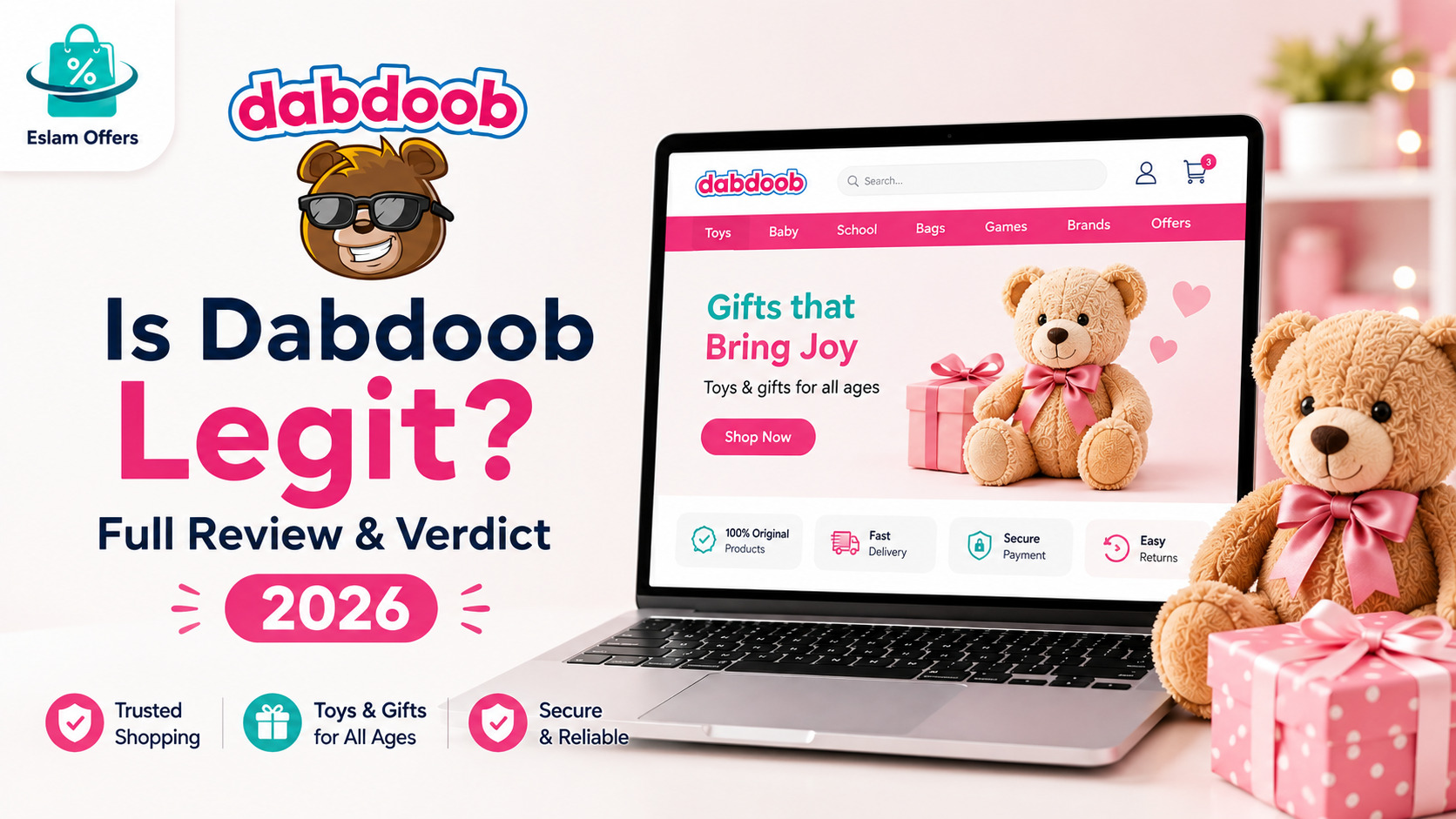
Dabdoob is an app-first toy and gift retailer built specifically for families across the Gulf, carrying more than 6,000 toys across 40+ categories from major brands like LEGO, Disney, Barbie, Hot Wheels, and Marvel. This review covers exactly how ordering works, what real delivery experiences look like, and what to know before you buy.
About Dabdoob
Dabdoob operates as a curated, app-based toy and gift shopping platform, with warehouses supplying products across multiple Gulf locations and a stated goal of expanding across the wider Middle East. The catalog spans arts and crafts, action toys, ride-ons, dolls, board games, construction sets, and educational toys, alongside gift-wrapping services designed for birthdays and other occasions.
Is Dabdoob Legit? What Real Reviews Say
Dabdoob is a genuine, established retailer — not a scam — but real App Store reviews show a mixed picture on delivery reliability worth knowing before you order:
Same-day delivery works well for many customers, especially in Dubai when ordered before the daily cutoff.
Delivery delays are a real, recurring complaint. Some reviewers describe a gift arriving hours late — in one case after 10:30 PM despite tracking showing "on the way" since 9 AM — which is a genuine problem if you're timing a delivery around a birthday party.
Customer service responsiveness varies. Several reviewers describe difficulty reaching a responsive agent or driver when a delivery issue comes up.
Confusion about coverage exists. A few reviewers mention hearing secondhand that Dabdoob "doesn't deliver" to their area, though the company does serve Dubai, Abu Dhabi, Sharjah, and other Emirates — it's worth confirming your specific location at checkout rather than relying on hearsay.
The practical takeaway: Dabdoob is legitimate and widely used, but if you're ordering a gift for a specific event (like a birthday party), it's safer to order at least a day ahead rather than same-day, given the real delivery timing complaints.
What Dabdoob Sells
The catalog covers more than 40 toy and gift categories, including:
Action and ride-on toys: From remote-control cars to bikes and ride-on vehicles.
Dolls and character toys: Barbie, Disney characters, Baby Annabelle, LOL Surprise, and more.
Educational toys: Building sets, STEM kits, and developmental toys for younger children.
Board games and puzzles: Family games and puzzles across age ranges.
Licensed brands: LEGO, Marvel, Hot Wheels, Funko Pop, Cocomelon, Paw Patrol, and other major names.
Books: Children's books in both English and Arabic.
Gift wrapping: Premium wrapping services suitable for various occasions.
How Ordering Works
Create an account or log in via email, or through Google, Apple, or Facebook sign-in.
Browse by category or search directly for a specific toy or brand.
Add items to your cart and review quantities before checkout.
Enter your delivery address and select a payment method.
Confirm your order and track its status through the app or website.
Payment Methods
Dabdoob accepts a wide range of payment options across the Gulf:
Visa and Mastercard
Apple Pay
Cash on delivery
Buy-now-pay-later through Tabby and Tamara
Regional payment gateways including Mada, KNET, and Benefit depending on your country
Shipping and Delivery
Same-day delivery is available in Dubai for orders placed before the daily cutoff (commonly cited as 7 PM), with 1–3 business days for the rest of the Emirates. A standard delivery fee applies (commonly cited around AED 25), with the exact cost and any free-delivery threshold shown at checkout based on your order size and location.
Returns and Customer Service
Dabdoob generally allows returns within about 14 days of receipt, provided the item is unused and in its original packaging, subject to review. Refunds typically go back to the original payment method. Reach customer service through the app or website help center, or by email, for order or return questions.
Tips for a Smooth Order
If a gift is timed to an event, order at least a day ahead rather than relying on same-day delivery.
Double-check your delivery address and city are within Dabdoob's confirmed coverage before ordering, rather than relying on secondhand claims about coverage gaps.
Track your order through the app once it ships, and follow up promptly if tracking doesn't update as expected.
Check the return window and packaging requirements for your specific item before buying, especially for larger toys.
Compare Tabby or Tamara installment options if you're ordering a higher-priced item like a ride-on toy.
Gift Wrapping and Special Occasions
One feature that sets Dabdoob apart from generic marketplaces is its dedicated gift-wrapping service, designed to make ordering a present genuinely effortless rather than requiring a separate wrapping step at home. This is particularly useful for:
Birthday parties, where a professionally wrapped gift saves time on a busy day.
School events and graduations, where presentation matters as much as the gift itself.
Last-minute gifting, since the wrapping is handled as part of checkout rather than an extra errand.
If gift presentation matters to you, it's worth confirming the wrapping option is available for your specific item before checkout, since it may not apply to every product category.
Choosing the Right Toy by Age
With 40+ categories to browse, narrowing down by age group makes shopping considerably faster:
Infants and toddlers (0–2 years): Soft toys, stacking blocks, and simple cause-and-effect toys that support early motor skills.
Preschoolers (3–5 years): Building sets, dress-up costumes, and character-based dolls that encourage imaginative play.
School-age kids (6–9 years): LEGO sets, board games, and STEM/educational kits that build problem-solving skills.
Pre-teens (10+ years): More advanced construction sets, remote-control vehicles, and collectible items like Funko Pop figures.
Checking the manufacturer's recommended age range on the product page — not just your own judgment of your child's maturity — helps avoid choking hazards with younger kids and avoids a gift that feels too basic for older ones.
How Dabdoob Compares to Other Gulf Toy Retailers
Compared to general marketplaces that carry toys as one category among many, Dabdoob's narrower, toy-and-gift-specific focus shows up in a few practical ways: a more curated catalog rather than an overwhelming, unfiltered search, genuine same-day delivery capability in Dubai that many general retailers can't match, and a gift-wrapping option built into checkout rather than bolted on. The trade-off, based on real reviews, is that customer service and delivery consistency outside of that same-day Dubai window can be less predictable than with larger, more established general retailers — worth factoring in in if you're ordering somewhere less central or well ahead of a specific date.
Get the Best Dabdoob Discount Code Before You Order
Before checking out, it's worth looking for an active discount code to lower your total, especially when ordering multiple items. You can check the latest active codes on the dedicated Dabdoob discount code page before completing your payment.
Frequently Asked Questions
Is Dabdoob a legitimate toy store?
Yes — Dabdoob is an established, app-based toy and gift retailer serving the Gulf region with a wide product catalog from major licensed brands.
Does Dabdoob deliver same-day?
Yes, in Dubai for orders placed before the daily cutoff. Delivery to the rest of the Emirates typically takes 1–3 business days.
What is Dabdoob's return policy?
Items can generally be returned within about 14 days of receipt if unused and in original packaging, subject to review.
Are there real complaints about Dabdoob's delivery?
Some customers have reported delayed deliveries and inconsistent customer service responsiveness. If timing matters (like a birthday gift), it's safer to order ahead rather than same-day.
Conclusion
Dabdoob is a legitimate, well-stocked toy and gift platform with genuine same-day delivery capability in Dubai — but real reviews show delivery timing isn't always consistent, so build in a buffer for time-sensitive gifts. Check your delivery coverage, confirm the return policy for your item, and look for an active discount code before you check out.