
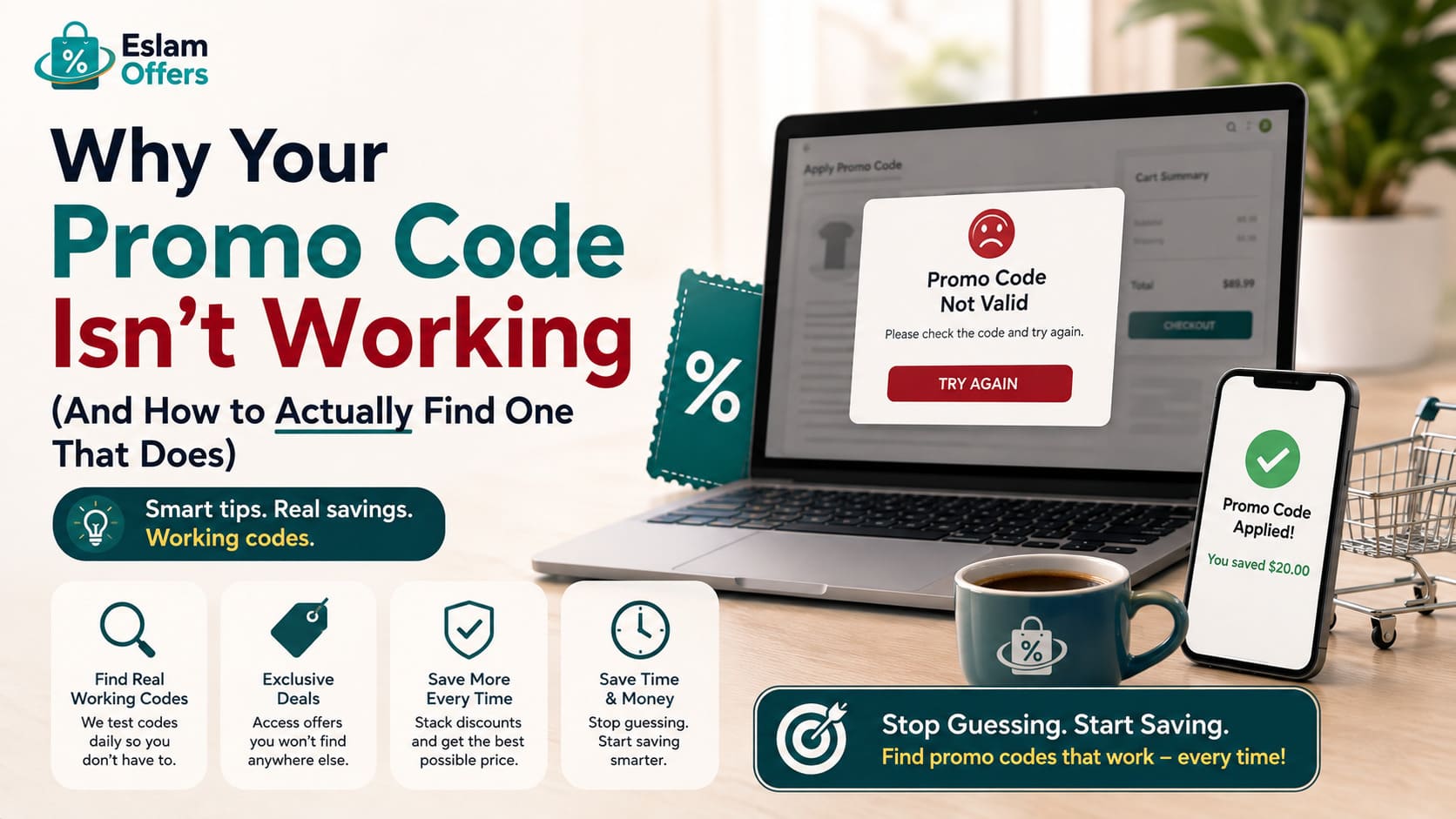
Why Your Promo Code Isn't Working (And How to Actually Find One That Does)
You spend twenty minutes picking out what you want, get to checkout, type in a promo code you found on Google — and get hit with "invalid code." One recent large-scale study tracking tens of millions of live checkout attempts found that roughly a quarter of promo codes fail at checkout. This guide breaks down why that happens so often, and what actually separates a source you can trust from one that's just wasting your time.
Why So Many Promo Codes Fail
Before fixing the problem, it helps to understand it. A code usually fails for one of these reasons:
It's already expired. Codes carry hard expiration dates, and once that window closes, they stop working instantly — even if the listing is still live somewhere online.
Your cart doesn't meet the eligibility rules. Minimum spend, new-customer-only, or specific product categories are common restrictions that don't always show up clearly on the page listing the code.
It's region-locked. Some codes only activate for a specific country or store version, so a code that works for one shopper may fail for another.
It's already been used on your account. Many "welcome" codes are tied to your email or a cookie and only work once, even if the code itself is still technically active elsewhere.
It conflicts with another discount. If a site-wide sale is already applied to your cart, a promo code sometimes won't stack on top of it.
Why "Dead" Codes Stay Online for Months
Here's the part most shoppers don't realize: many coupon sites earn an affiliate commission when you click through to a retailer, regardless of whether the code you used actually worked. That means there's little financial incentive to pull an expired code down — it still drives clicks and still earns commission, so it can sit on a page for months (sometimes years) after it stopped working. This is the single biggest reason random search results are such a mixed bag: the code you find may have worked perfectly last Monday and be dead by the following week.
How to Tell If a Coupon Source Is Actually Reliable
Before trusting any discount code site, check for:
A visible "last verified" date next to each code — not just the article's publish date.
Clear terms listed with the code (minimum spend, eligible categories, expiration date if known).
Codes organized by store on a dedicated page, rather than one giant unsorted list covering dozens of unrelated retailers.
Realistic discount percentages. Any code claiming 70–80% off sitewide with no further explanation is usually either misleading or missing major restrictions.
This is exactly what sets EslamOffers apart from a random search result: every code is checked and dated, with its actual terms listed, instead of being posted once and left untouched indefinitely.
How EslamOffers Verifies Codes
The process is straightforward: the EslamOffers team tracks active offers and codes from hundreds of local and international retailers operating across the Gulf, checks that each one actually applies at checkout before publishing it, and organizes everything into a dedicated page per store with clear category tags (fashion, electronics, beauty, home, travel). All you do is find the store's page, copy the matching code, and paste it at checkout — no account required, no fee, no guesswork.
How to Apply a Discount Code Correctly
Find the store's dedicated page on EslamOffers instead of relying on a random search result.
Copy the full code exactly — no extra spaces, no typos.
Look for the "Promo Code" or "Discount Code" box at checkout — note that some sites show it early in the cart, others only at the final payment step.
Confirm your order total actually dropped before completing payment.
If it doesn't apply, check the code's terms (minimum spend, eligible category) before trying a different one — and try an incognito window if the issue seems technical rather than eligibility-related.
Tips to Maximize Your Savings
Compare more than one active code for the same store when available, and pick whichever fits your cart.
Try a code on your very first order from a new store — welcome discounts are common and often among the highest available.
Time bigger purchases around major sales (White Friday, Ramadan, back-to-school), when discounts run deepest.
Check whether your code can stack with an existing site-wide sale already showing in your cart — some retailers allow it, some don't.
Don't rely on a single search result. Use a source that actually re-checks its codes rather than one that published them once and moved on.
Frequently Asked Questions
Why does my promo code say "invalid" even though I copied it correctly?
The generic error message usually covers several possible causes — expired code, unmet minimum spend, category restriction, or a code already used on your account. Check the code's specific terms rather than assuming it's simply broken.
Can I combine more than one discount code on an order?
Usually not. Most retailers allow only one promo code per order, so compare your options and pick the best fit before checkout rather than trying to stack codes.
Are the codes on EslamOffers free to use?
Yes — every code is free, with no subscription or account required.
How often are codes updated on EslamOffers?
They're checked regularly, with expired codes removed or replaced as soon as they're identified, rather than left live indefinitely.
Conclusion
A working discount code isn't a matter of luck — it's a matter of using a source that actually re-checks what it publishes. EslamOffers was built to solve exactly this problem for shoppers across Saudi Arabia, the UAE, and the wider Gulf: codes organized by store and category, verified before they go live. Check the dedicated store page before your next purchase, and always confirm a code's terms before counting on it.